数独
自分のペースで、少しずつ。
迷った数字は候補としてメモ。間違えたら一手戻せます。途中で離れても、同じブラウザを開けば続きから楽しめます。
- 候補メモ、取り消し、答えのチェックに対応。
- 最初に入る数字は 42 個、35 個、29 個から選択。
- 途中の盤面はプレイ中のブラウザに自動保存。
ゲーム画面の言語:英語・中国語。
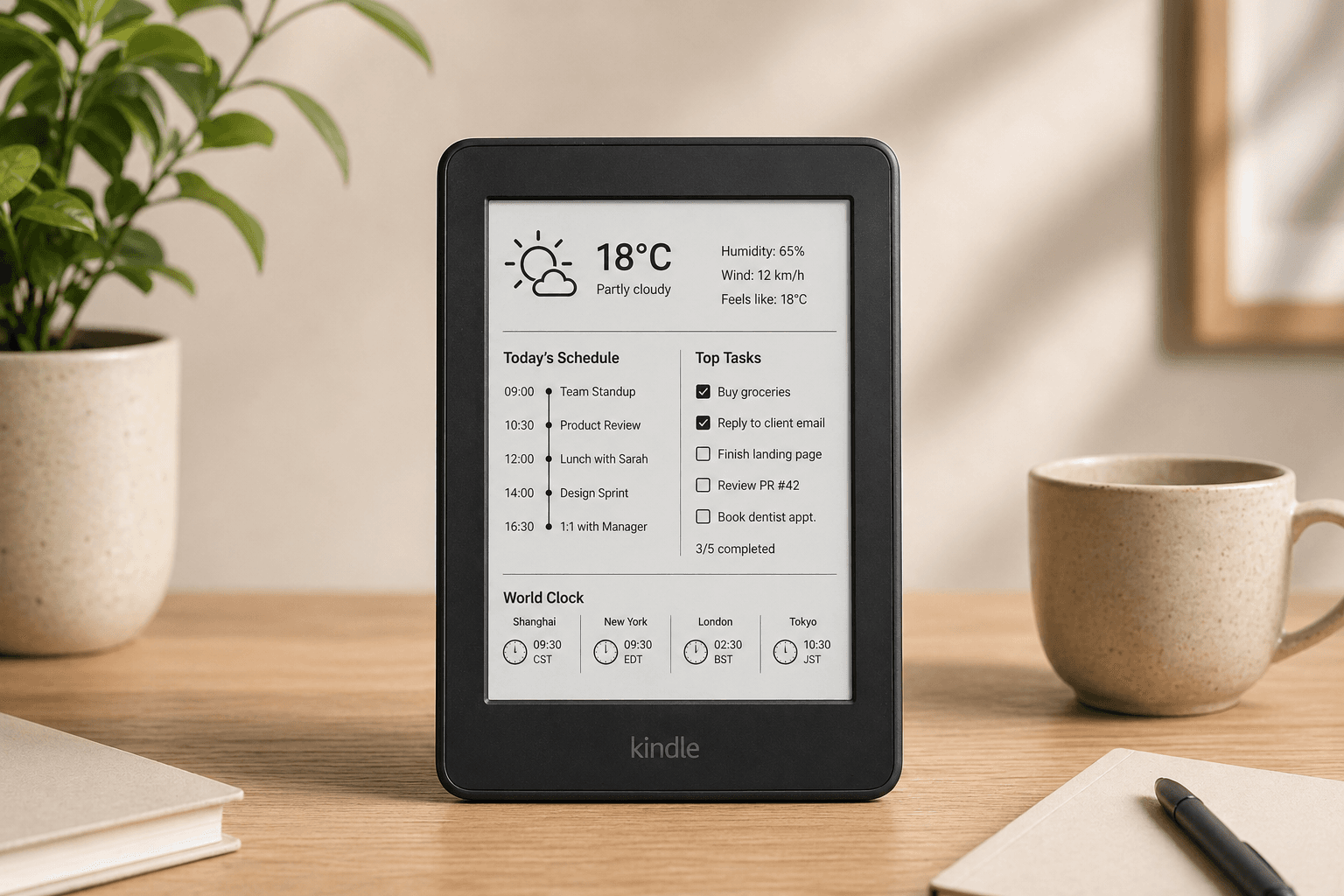
脱獄不要。コーディング不要。カレンダー、天気、Todoistなどを未使用のE-inkスクリーンに3分以内で表示。
Designed for the Kindle browser · No credit card required · Setup in minutes
3ステップでホコリをかぶった引き出しからスマートディスプレイへ
天気、カレンダー、Todoist、時計などのウィジェットを選び、ドラッグ&ドロップエディターで配置します。
ダッシュボードに紐づいたユニークなURLが生成されます。Kindle側でのログインは不要です。
KindleのブラウザでリンクをひらくS。5分ごとに自動更新されます。完了。
Live Preview
A calm, glanceable display for the information you actually care about. No ads, no notifications, no noise.
No credit card required · Works in the Kindle browser
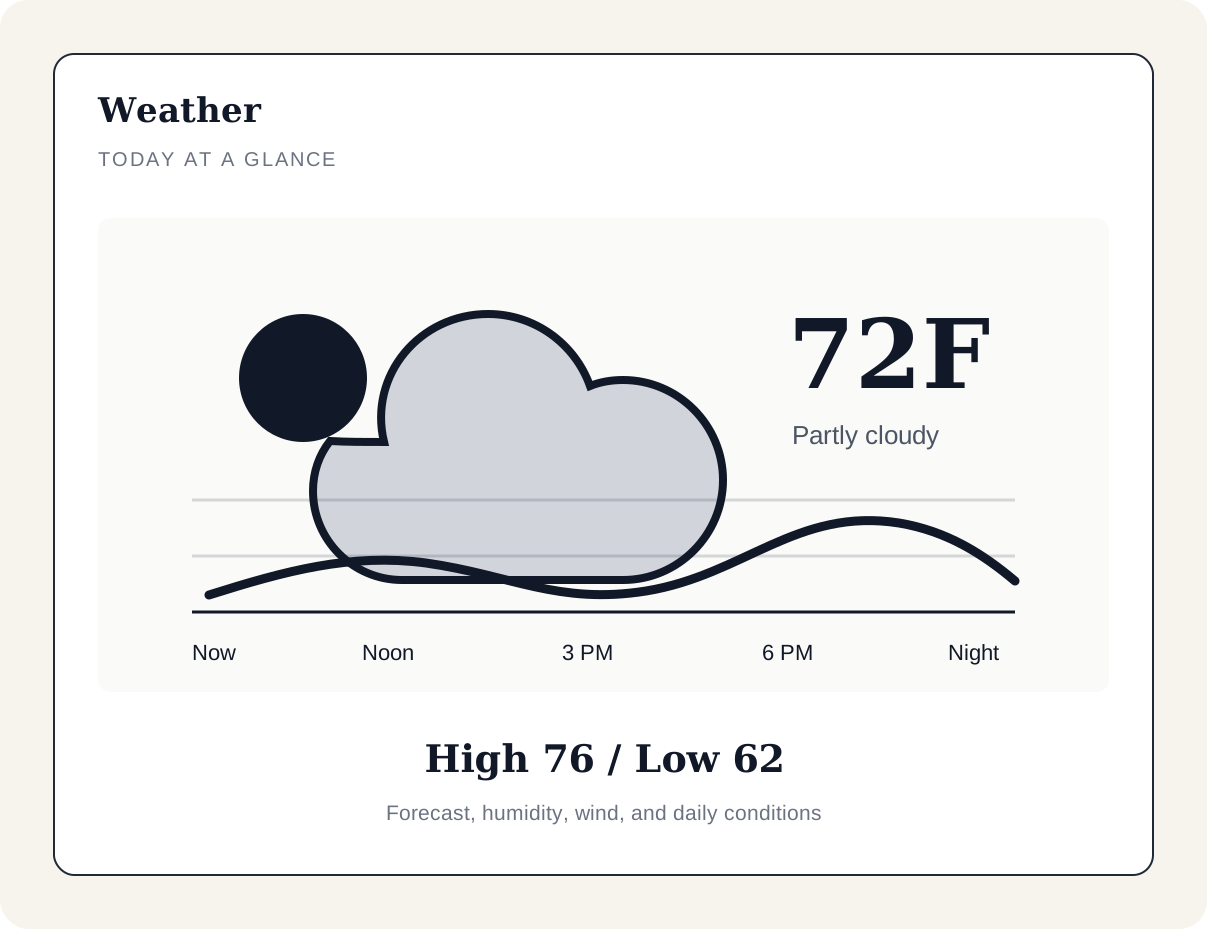
必要な情報をひと目で。余計な情報はゼロ。
重要な情報をすべて、E-inkディスプレイに最適化してレンダリング。
無料で使える 2 つのゲーム
天気や予定を見るだけでなく、パズルを楽しむ時間にも。数独とシュルテ表で、机の上の電子書籍リーダーをもっと身近に。
数独
迷った数字は候補としてメモ。間違えたら一手戻せます。途中で離れても、同じブラウザを開けば続きから楽しめます。
ゲーム画面の言語:英語・中国語。
シュルテ表
ランダムに並んだ 5 × 5 の数字を順番にタップ。ちょっとした休憩に、ミスなしの自己ベストを目指してみませんか。
ゲーム画面の言語:日本語・英語・中国語・スペイン語。
無料のダッシュボードを作成し、端末設定の「インタラクティブ機能」でゲームを有効にします。あとは端末のダッシュボードから開くだけ。
無料でダッシュボードを作るJavaScriptとタッチ操作またはキーボード入力に対応したブラウザで利用できます。PNG画像モードでは遊べません。反応速度は端末とブラウザによって異なります。
自分でなぜ作らないの?
DIY Kindleダッシュボードには、ラズパイ、Pythonスクリプト、デバイスの脱獄、そして何時間ものデバッグが必要です。それらはすべて私たちが代わりに引き受けます。
Compatibility
EinkDashboard works through the built-in Kindle browser — no jailbreak, no sideloading. Most Kindles from 2012 onwards should work. The models below have been verified by us or reported working by users.
Kindle Paperwhite
Verified3rd gen (2015) and later
Kindle Basic
Verified7th gen (2014) and later
Kindle Voyage
Verified7th gen (2014)
Kindle Oasis
Verified9th gen (2017) and later
Older Kindles
May workKeyboard / Touch / 4th gen
Kindle Scribe
May work1st gen (2022)
Don't see your model? It may still work. Try opening a dashboard on your Kindle browser and see.
ブラウザ互換性
脱獄不要でKindleブラウザから直接EinkDashboardを試せます。一部の旧型Kindleでは、内蔵のデバッグコマンドを使ってダッシュボードをより長く表示し続けられる場合があります。ただし、常時表示の動作はKindleの機種とファームウェアに依存します。
安定した長期低電力稼動には、EinkDashboardの高度なKindle Agentモードが近日公開予定です。お楽しみに。
Privacy & Data
Private magic link
Your dashboard URL is long, unique, and not guessable. You control who sees it.
ゲームの記録はブラウザに保存
数独の盤面とメモ、シュルテ表のミスなしの自己ベストは、プレイ中のブラウザに保存されます。アカウントや他の端末には同期されません。
Minimal data access
When you connect Google Calendar or Todoist, we request the minimum read-only scope needed. We don't store your events or tasks — we use them to render your dashboard.
Disconnect anytime
You can revoke any integration from your dashboard settings in seconds. No hoops.
よくある質問
内蔵ブラウザを搭載したほとんどのKindleモデル(Kindle 3以降)に対応しています。Kindle Keyboard、Paperwhite、Voyage、Oasisなどが含まれます。
古いKindleを、天気、カレンダー、タスクなどを表示する落ち着いた常時表示ディスプレイに変えましょう。
Free to start · No credit card required