Logo
  • Features
  • E-ink Wallpaper
  • Pricing
  • FAQ
Bring your old Kindle back to life

Turn Your Kindle Into an E-ink Dashboard

Weather, calendar, tasks, world clocks, and daily notes on your unused Kindle. No jailbreak, no Raspberry Pi, no code.

Create My Free DashboardCheck Kindle Compatibility

Designed for the Kindle browser · No credit card required · Setup in minutes

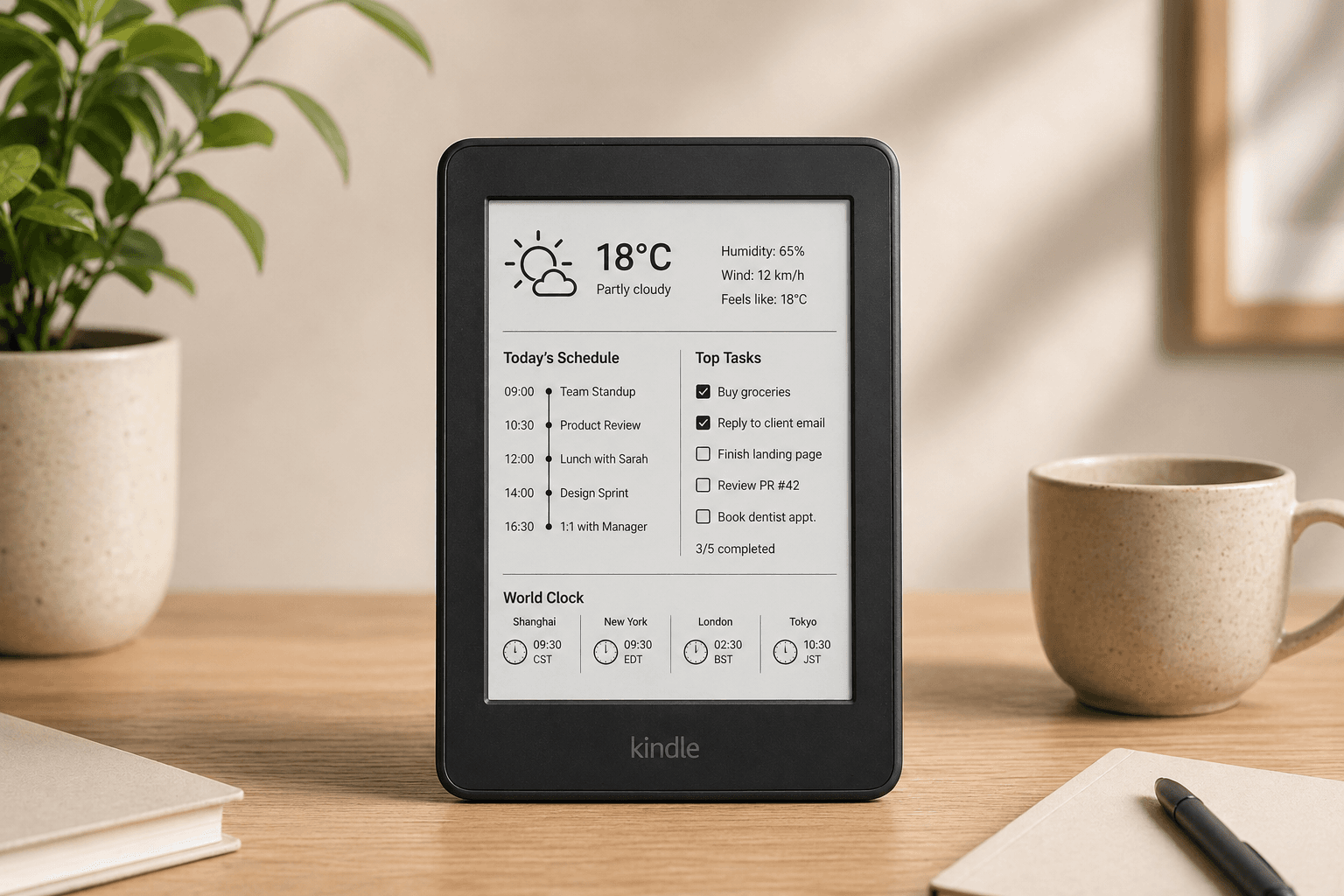
EinkDashboard showing weather, calendar and tasks on a Kindle
  • Works in the Kindle browser · no jailbreak required to try
  • Always-on behavior depends on Kindle model and firmware
  • Cloud-rendered for stability
  • Built for calm, glanceable information

Three steps, five minutes, done

How to Set Up a Kindle E-ink Dashboard

01

Create your dashboard

Pick widgets and layout in our simple editor. No code, no config files — just choose what you want to see.

02

Connect your widgets

Link Google Calendar or Todoist if you want them. Weather and clocks work out of the box with no accounts needed.

03

Open the magic link on your Kindle

We give you a private URL. Paste it into your Kindle browser once — it refreshes automatically from then on.

Live Preview

This is what your Kindle could look like

A calm, glanceable display for the information you actually care about. No ads, no notifications, no noise.

kindle · einkdashboard▪▪▪
Sample EinkDashboard showing weather, calendar, tasks, and world clocks on an e-ink display
Create My Free Dashboard

No credit card required · Works in the Kindle browser

Everything you need at a glance. Zero distractions.

Kindle Dashboard Widgets

All the information that matters, rendered perfectly for your E-ink display.

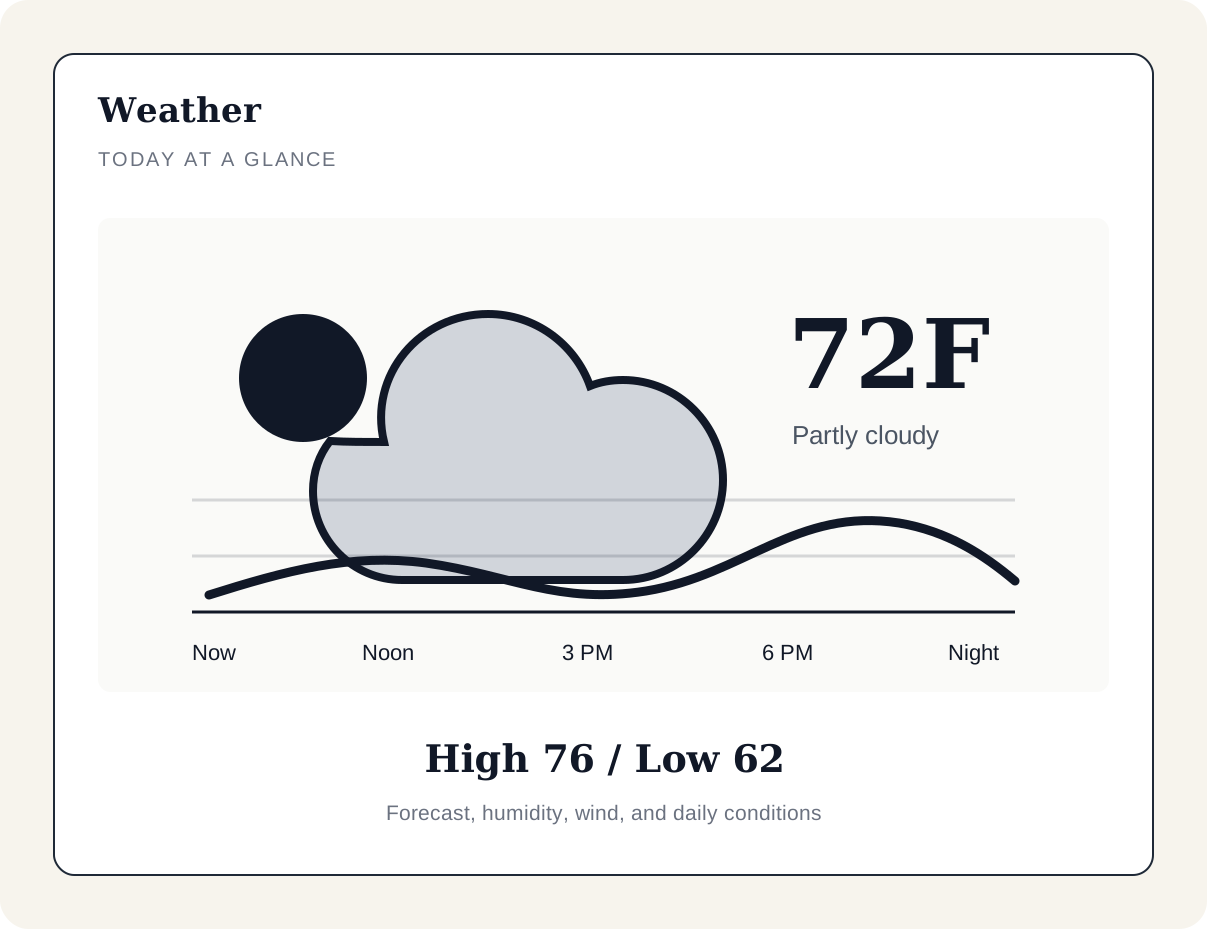
See today's forecast, humidity, wind, and upcoming temperatures without checking your phone.

Real-Time WeatherReal-Time Weather

No Raspberry Pi. No Python. No Jailbreak.

Why not just build it yourself?

DIY Kindle dashboards usually mean Raspberry Pi setups, Python scripts, jailbreak guides, and hours of debugging. EinkDashboard handles the hard parts for you.

The DIY Way

  • Raspberry Pi setup
  • Python scripts
  • Device jailbreaking
  • Old browser debugging
  • Local server maintenance

The EinkDashboard Way

  • Zero jailbreak — works on stock Kindle firmware
  • No Raspberry Pi or local server required
  • Cloud-rendered images that won't crash your Kindle
  • Setup in under 3 minutes, not 3 weekends

Compatibility

Which Kindles does it work with?

EinkDashboard works through the built-in Kindle browser — no jailbreak, no sideloading. Most Kindles from 2012 onwards should work. The models below have been verified by us or reported working by users.

Kindle Paperwhite

3rd gen (2015) and later

Verified

Kindle Basic

7th gen (2014) and later

Verified

Kindle Voyage

7th gen (2014)

Verified

Kindle Oasis

9th gen (2017) and later

Verified

Older Kindles

Keyboard / Touch / 4th gen

May work

Kindle Scribe

1st gen (2022)

May work

Don't see your model? It may still work. Try opening a dashboard on your Kindle browser and see.

Browser Compatibility

Basic Browser Mode works on many older Kindles

Try EinkDashboard directly in your Kindle browser — no jailbreak required. On some older Kindle models, you may be able to keep the dashboard visible for longer using built-in debug commands. However, always-on behavior depends on your Kindle model and firmware.

For reliable long-running, low-power use, EinkDashboard's Advanced Kindle Agent mode is coming soon — stay tuned.

Privacy & Data

Simple rules, no surprises

Private magic link

Your dashboard URL is long, unique, and not guessable. You control who sees it.

Kindle is read-only

Your Kindle only displays the dashboard. It never sends anything back to us.

Minimal data access

When you connect Google Calendar or Todoist, we request the minimum read-only scope needed. We don't store your events or tasks — we use them to render your dashboard.

Disconnect anytime

You can revoke any integration from your dashboard settings in seconds. No hoops.

FAQ

Frequently Asked Questions

No jailbreak is required to try EinkDashboard in Basic Browser Mode. You can open your dashboard directly in the Kindle browser. For the most reliable always-visible experience, Advanced Kindle Agent mode (coming soon) will be the recommended option.

Stop letting good hardware go to waste.

Turn your old Kindle into a calm, always-on display for weather, calendar, tasks, and more — in under 3 minutes.

Create My Free Dashboard→

Free to start · No credit card required

Logo

Glance. Not scroll.

Product
  • Features
  • E-ink Wallpaper
  • FAQ
Company
  • Newsletter
Legal
  • Privacy Policy
  • Terms of Service
© 2026 EinkDashboard. All Rights Reserved.